

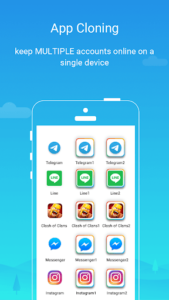
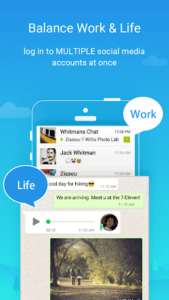
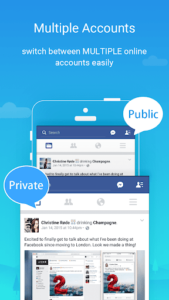
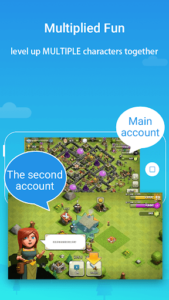
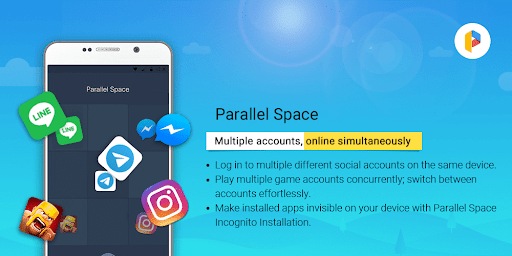
Parallel Space offers a solution for users who need to manage multiple accounts for the same app on a single device. It enables you to clone existing applications, allowing you to run separate instances concurrently—for example, maintaining distinct personal and professional social media profiles, or advancing multiple characters in a mobile game simultaneously. This utility provides an isolated environment for each app clone, ensuring that data from different accounts remains separate and organized without requiring multiple devices.
Managing Separate App Accounts
The primary function of Parallel Space is to facilitate the use of multiple accounts for any compatible app installed on your device. This means you can log into a personal account and a work account on the same messaging or social media app, keeping their data distinct. Similarly, for gaming apps, it allows players to explore different game paths or level up multiple accounts concurrently. The app is designed to let you run these multiple accounts at the same time and switch between them effortlessly with a single tap. While the free plan supports running two accounts simultaneously, upgrading to the Pro plan unlocks the capability to manage multiple accounts beyond this limit. It’s important to note that for some social networking applications, each account will require a unique, active mobile number for verification during setup.
Protecting Privacy with Hidden Apps
Parallel Space includes features aimed at enhancing user privacy. Through its Incognito Installation feature, you can make specific apps invisible on your device, safeguarding sensitive applications by keeping them in a private space away from general view. This functionality is complemented by a secure lock feature, which adds an extra layer of protection to these hidden apps.
Technical Overview and Important Considerations
The app is built upon multiDroid, which is identified as the first application virtualization engine developed for Android. This foundation allows Parallel Space to support a wide range of Android applications and operates in 24 languages. While it aims for broad compatibility, certain applications may not be supported due to policy or technical limitations, such as those that declare the `REQUIRE_SECURE_ENV` flag.
For Parallel Space and the apps running within it to function correctly, the app requires necessary permissions. The developer states that privacy is a priority and no personal information is collected. Users should be aware that most of the resource usage, such as CPU and battery, is attributed to the applications running inside Parallel Space, which can be monitored via the ‘Storage’ and ‘Task Manager’ options within its settings. For optimal notification delivery from certain social networking apps within the cloned environment, it is advisable to add Parallel Space to the whitelist or exceptional list of any booster or task management applications you may be using.










Write a review